ACTION RECOMMENDED

Windows 10 support has ended. Has your business upgraded?

Plan your upgrade

Insurance · Secure client service

Managed IT Services for Insurance Agencies

Agencies need secure access to policy and customer information, reliable communications and consistent workflows across agents, account staff and outside carriers. PC-Tronix provides insurance IT services through technicians who work directly with your team, from everyday support requests to planned projects. Start by telling us how your office runs today, where work slows down, which systems you depend on and who supports each one. We can then discuss which of those problems ongoing support should take on first.

CONTACT PC-TRONIXWe’ll follow up directly.

Your information is used only to respond to your request.

01

Practical IT Support for Insurance Agencies

The first conversation should cover the applications your team uses every day, the devices and number of users involved, and what is going wrong right now. We will also ask who owns each vendor relationship, which security concerns come first and what budget you have in mind, even if only a range. You do not need a finished IT plan. A rough list of systems and frustrations is enough to start.

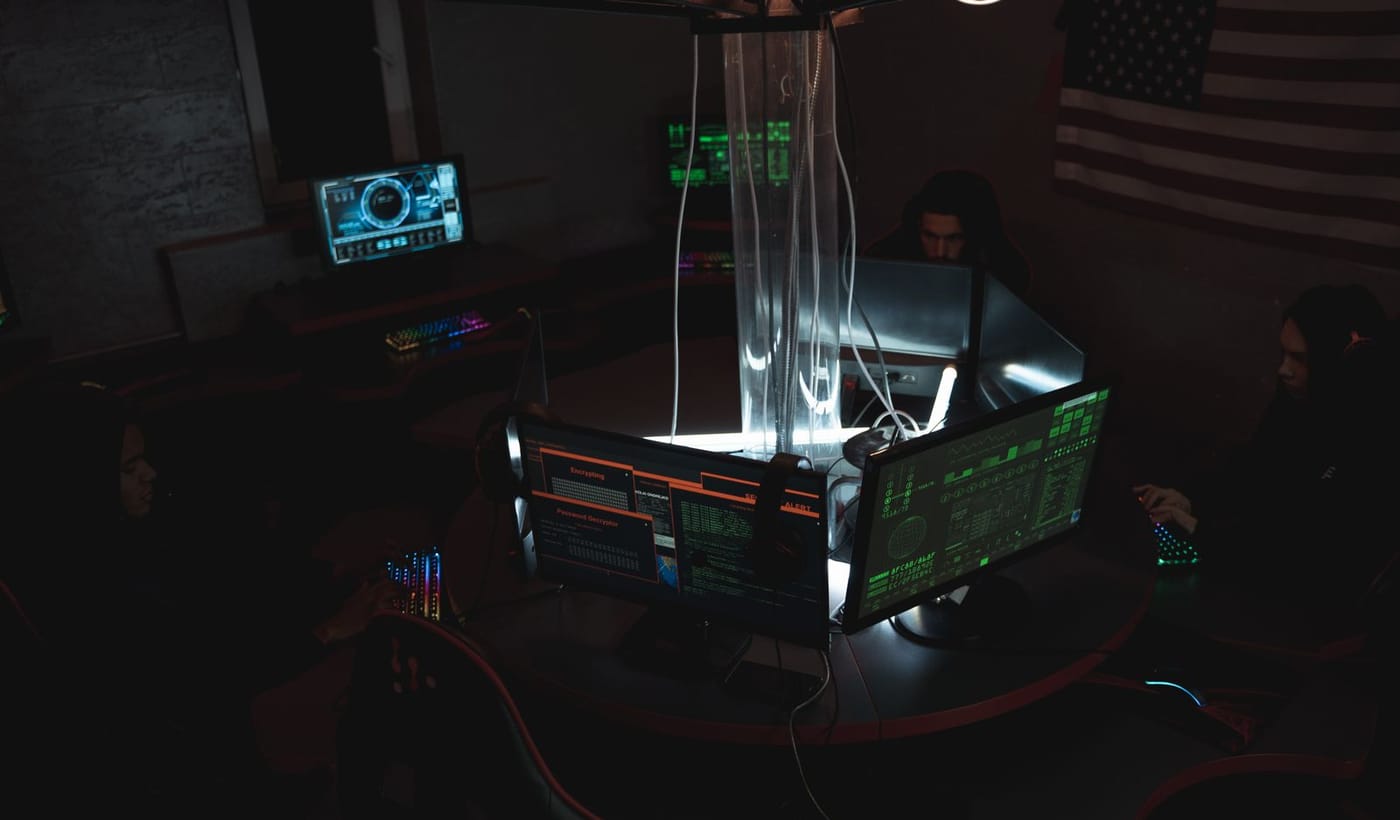
Technology specialists monitoring secure business systems
CONTROLLED + RESILIENTSensitive work needs clear access, active oversight, and recovery that has been tested.

02 / PC-TroniX

Technology Support for Everyday Insurance Agency Operations

01

Agent workstations and support

A slow laptop or a printer that will not connect costs a service rep time while a client waits. We can discuss how your office handles workstations, user accounts, printing and remote support, including who agents call when something breaks and how small problems get routed to someone who can fix them.

02

Secure access to client records

Policy and customer files should reach only the people who need them. That usually comes down to identity controls, permissions, multi-factor authentication and device security. These measures reduce risk; they do not eliminate it. The conversation can cover what is in place now, where access is looser than it should be and what to tighten first.

03

Email and carrier collaboration

Much of an agency’s day happens in email and shared files. Microsoft 365 can cover email, file sharing and account protection for agents and account staff. We can review how your mailboxes, shared folders and sign-ins are set up. We confirm any connection to a specific carrier or agency-management system one system at a time rather than assuming it.

04

Backup and network dependability

If the office connection drops or a server fails, policy work stops. We can look at how your office connects, whether you run servers on site, what your backups actually cover and how you would respond if critical records became unavailable. The aim is a plan your staff understands before anything fails.

03 / PC-TroniX

Four Things to Review Before Choosing IT Support

  • Carrier and platform dependencies: Which agency software and insurer portals does your team use daily, and who supports each one? The answer shows where an IT provider can help directly and where the vendor must stay involved, which changes scope and expectations.
  • Staff and producer access: Do employees, independent agents or outside partners need access? What happens to their accounts when they leave? Headcount and turnover affect licensing, permissions and how offboarding is handled, which changes what support you need.
  • Data-handling obligations: Which privacy, insurer and state requirements actually apply to your agency? The answer shapes how access, retention and backups are set up. Your attorney or compliance contact should confirm the rules first.
  • Continuity priorities: If something fails, what must come back first: policy processing, phones, claims communication or document access? Ranking these in advance shows what to protect most closely and where redundancy is worth discussing.

04 / PC-TroniX

Relevant IT Environments

[PROJECT GALLERY: four approved images]

05 / PC-TroniX

Choose What Fits the Actual Environment

We start with what is already in place: devices, existing infrastructure, which tools live in the cloud and which sit on site, how the office connects and who manages each piece after setup. From there, we can discuss support for Microsoft 365, endpoints, network and server infrastructure, cybersecurity and backup planning.

Cloud file storage can simplify access for remote staff, but it depends on a reliable connection and clear permissions. An office server can mean more local control, but it also adds maintenance and backup work. Anything involving agency management system administration, licensed insurance workflows or regulatory attestations must be verified before we scope it.

06 / PC-TroniX

From Discovery to Ongoing IT Support

  • Initial conversation: We learn who uses which systems, how daily workflows run and what problems prompted the call, so later steps are built on how your office works.
  • Environment and requirement review: We go through device and software inventories, vendor responsibilities, risks and dependencies so recommendations rest on what is really in your office rather than on assumptions.
  • Recommended scope: We set out proposed roles, options and approvals: what we would support, what stays with vendors and which decisions need your sign-off before any work begins.
  • Agreed setup or project: We make the changes you have approved, test them and hand them off, so your team knows what changed and who to call afterward with questions.
  • Ongoing support and review: Support continues with clear ownership and maintenance as agreed. We revisit the setup as staff, software and carrier requirements change, so it keeps matching how your agency works.

07 / PC-TroniX

Experienced Technicians, Direct Accountability

PC-Tronix clients work with in-house technicians who understand the systems they support. In an agency, one account problem can touch email, a carrier portal and a shared drive at once. We handle planned projects and day-to-day support through our managed IT services, and we can tailor engagements to fit how your office works. Your support arrangement should make responsibility for each type of issue clear. You can read more about the team on our Meet PC-Tronix page.

Verified feedback

Client Feedback

08 / PC-TroniX

IT Support for Central Pennsylvania Organizations

PC-Tronix serves organizations in Harrisburg and across Central Pennsylvania. For an agency, the practical question is how support reaches your office: what can be handled remotely, what needs an on-site technician and what your location requires, such as network equipment, a server closet or several small offices. Tell us about your setup and we will discuss how coverage would work before anything is agreed.

Frequently asked questions

Questions to Ask About IT Support for Insurance Agencies

Can you manage our agency software?

It depends on the platform, the license and the vendor. We can discuss supporting the computers, accounts and network your agency software runs on. Administration of the software itself, or anything the vendor controls, has to be confirmed for your specific system before we agree to take it on. Bring us the product names.

How do you approach client-record security?

We look at identity, devices and the network together: who signs in, what they use and how the office connects. Controls such as multi-factor authentication and device protection reduce risk. No provider can promise protection from every threat. Security is shared among your staff, vendors and IT support, so we clarify who owns what.

Can producers work securely outside the office?

It can be possible, depending on the devices, accounts and connections involved. We would review what producers use and how their accounts are set up, then discuss what access makes sense. Personal laptops and public Wi-Fi raise different questions, so the answer depends on their actual setup.

Do insurance regulations affect the IT plan?

They can. Which rules apply depends on the type of agency, the lines it writes and where it operates, and we do not provide legal or compliance advice. Your attorney or compliance contact should confirm your obligations. We can then discuss how your IT setup supports the requirements they identify.

What should we bring to the first discussion?

Bring a list of your agency systems, who uses them and in what role, vendor contact details, any current access problems and the records or systems you most need backed up. Rough notes are fine. If you do not know a detail, say so and we will help work out who to ask.

09 / PC-TroniX

Let’s Talk About Your IT Needs

If you make IT decisions for your agency, tell us what you are working with: the systems you use, how many locations and users you have and the main problem you want solved. We will review what you send and follow up to discuss next steps.

Let us know what you need

Start with a real conversation

Tell us what needs to work better.

Share the systems, users, and business priorities involved. We’ll help identify a practical next step.

Tell us what you need ↑
NEW BUSINESSSalesEXISTING CLIENTSupport